For interior designers
Show Clients the Design in Their Own Room
A render on the client's photo in minutes, with the estimate and a quote request on one link under your name.
Restyle a furnished room, render a renovation or a sketch, or draw roller shades true to the sizes you typed. The picture and the number arrive together, so the client can say yes on the spot.
Start freeFree account to start. Priced shade estimates and branded links are part of Studio Max.
Founding price: subscribe to Studio Max monthly by Dec 31 and pay $98/mo for your first 12 months, then $148/mo. Applied at checkout, no code needed.
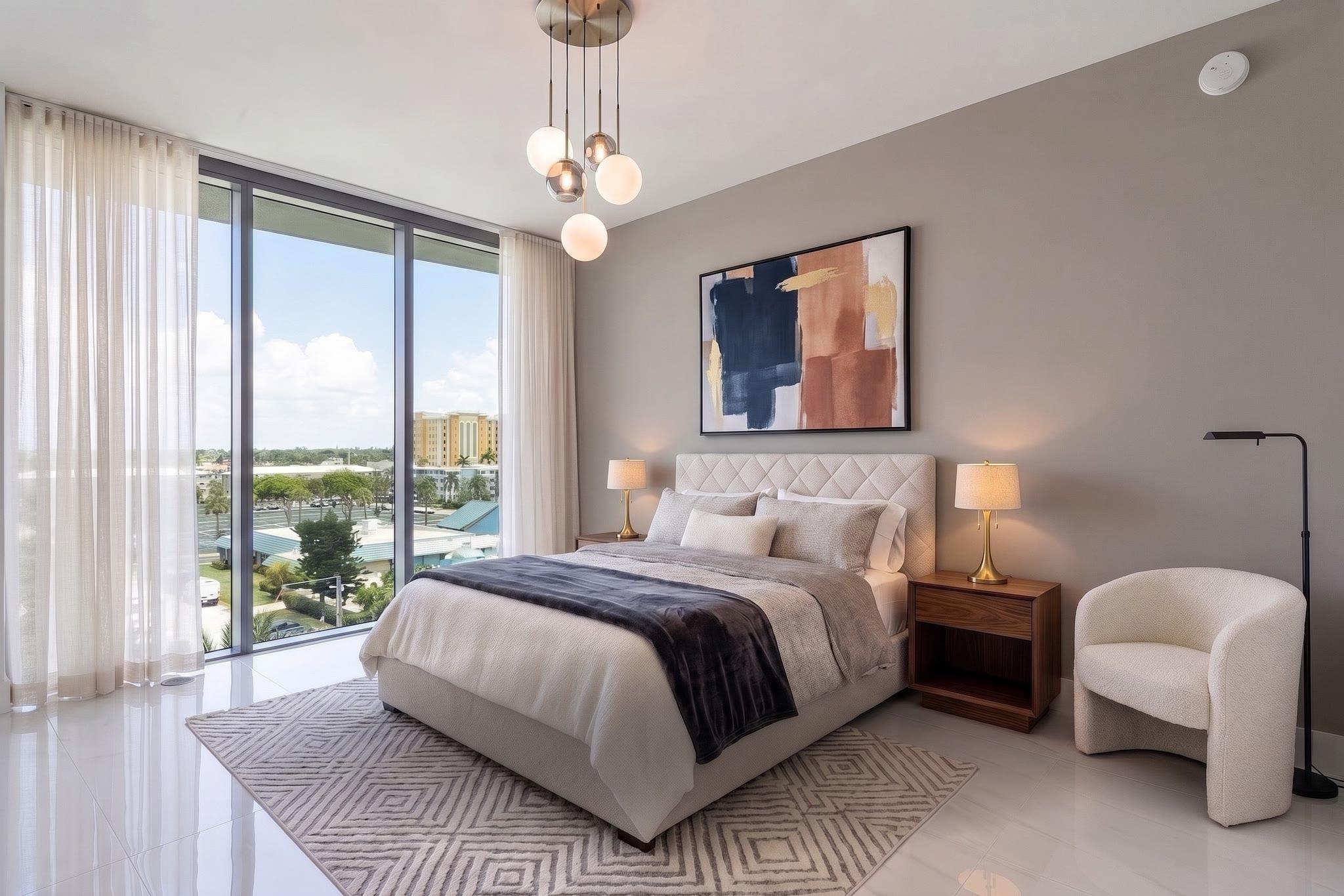
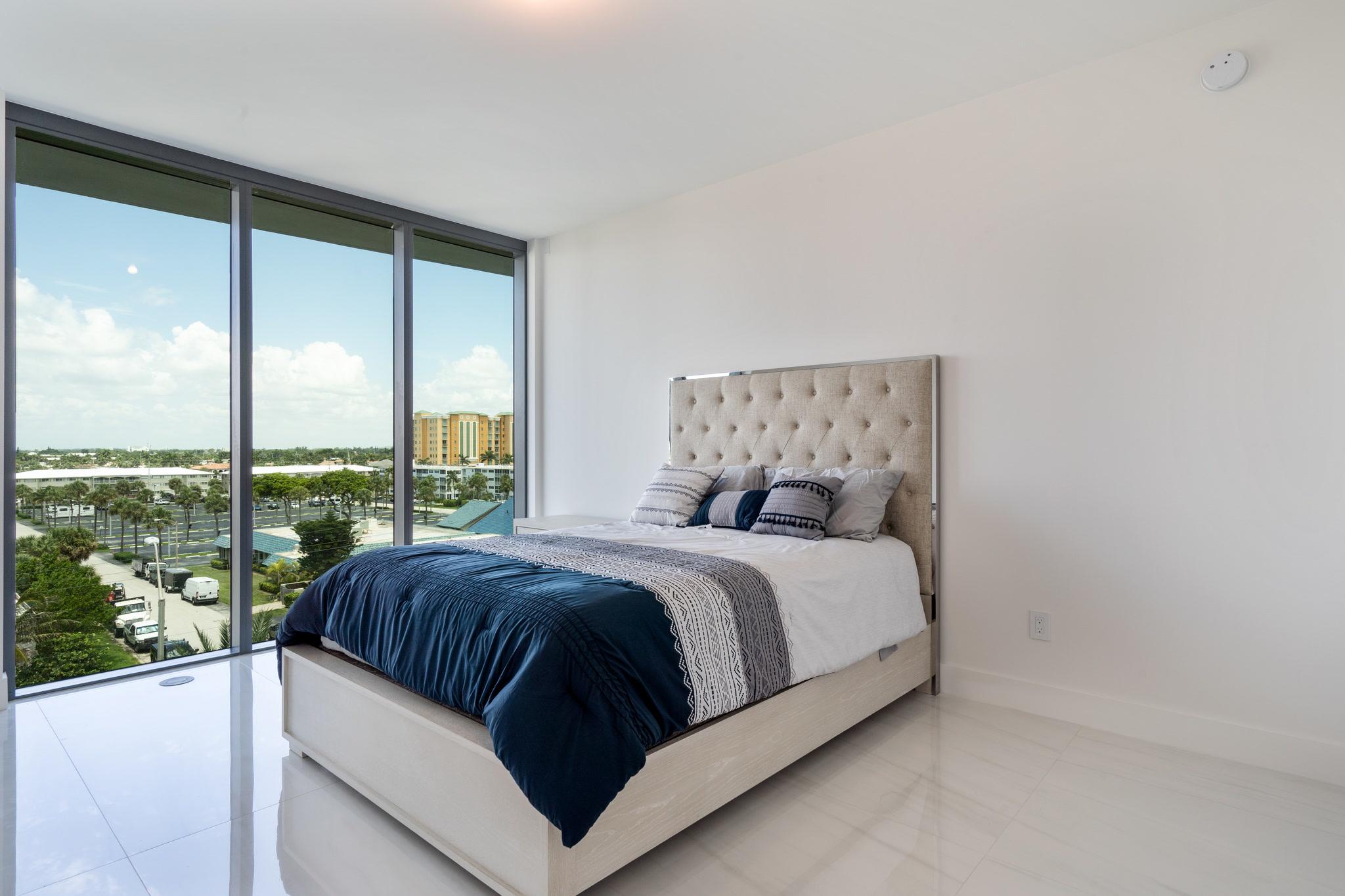
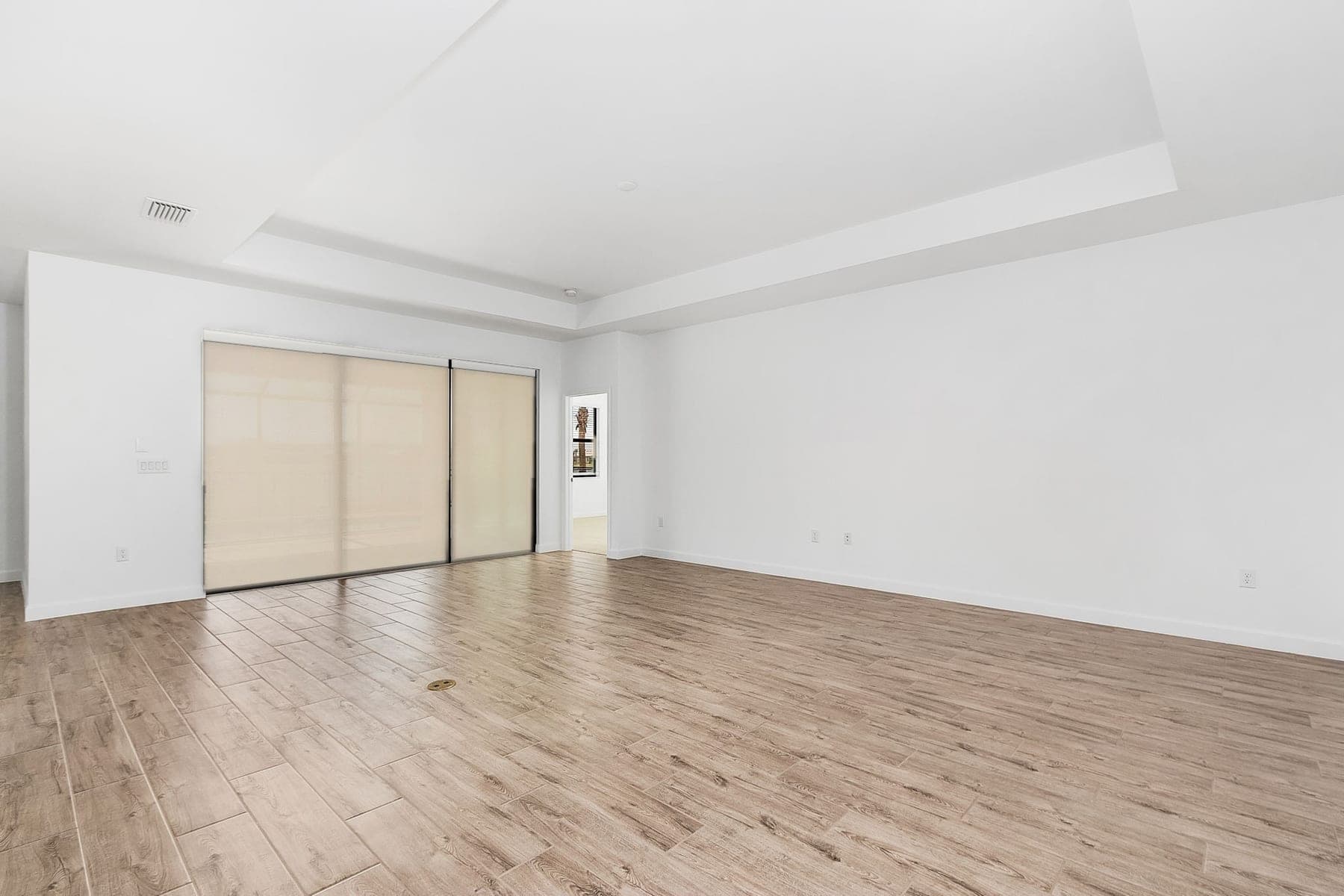
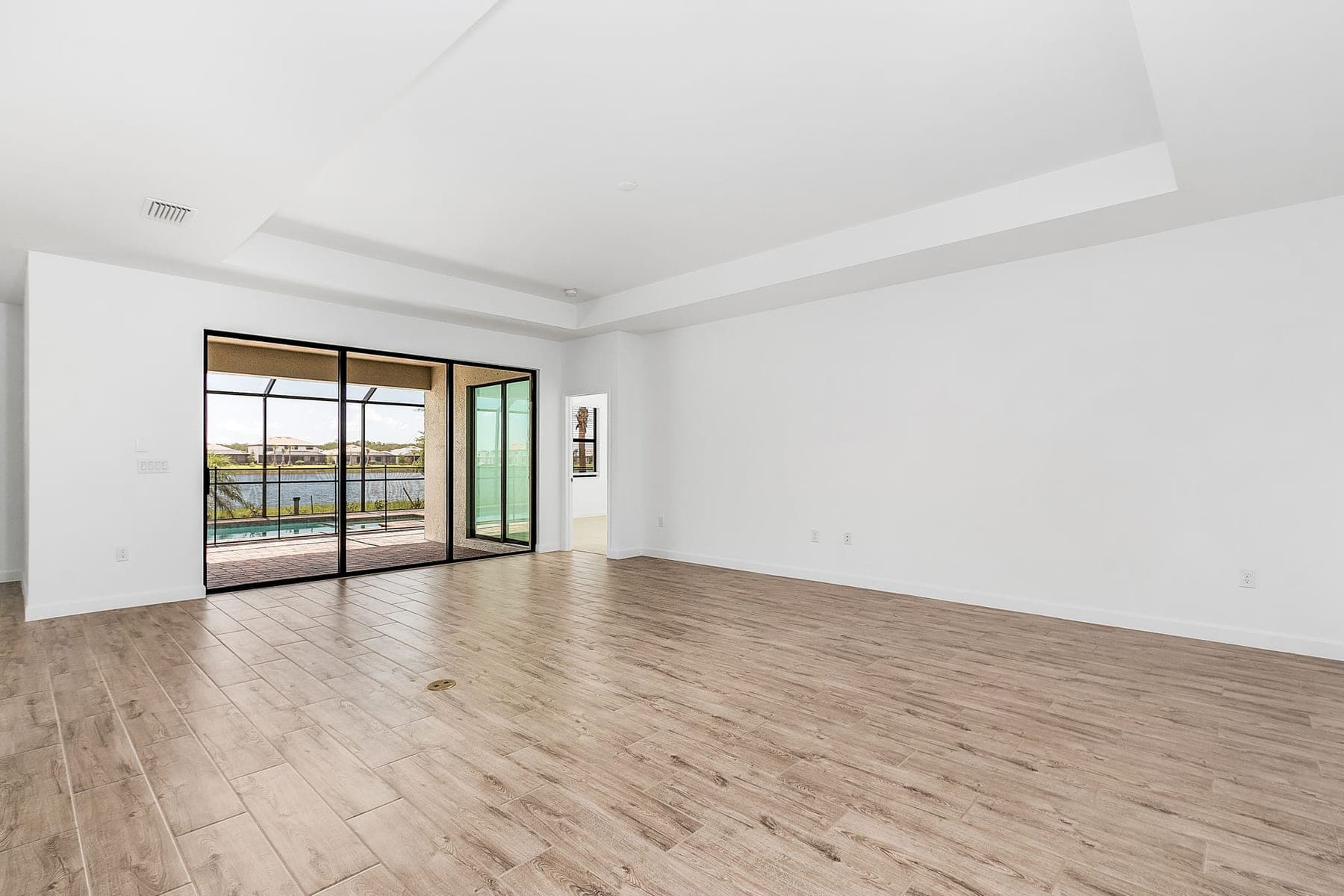
Rendered in Yavay Studio on the client's own photo
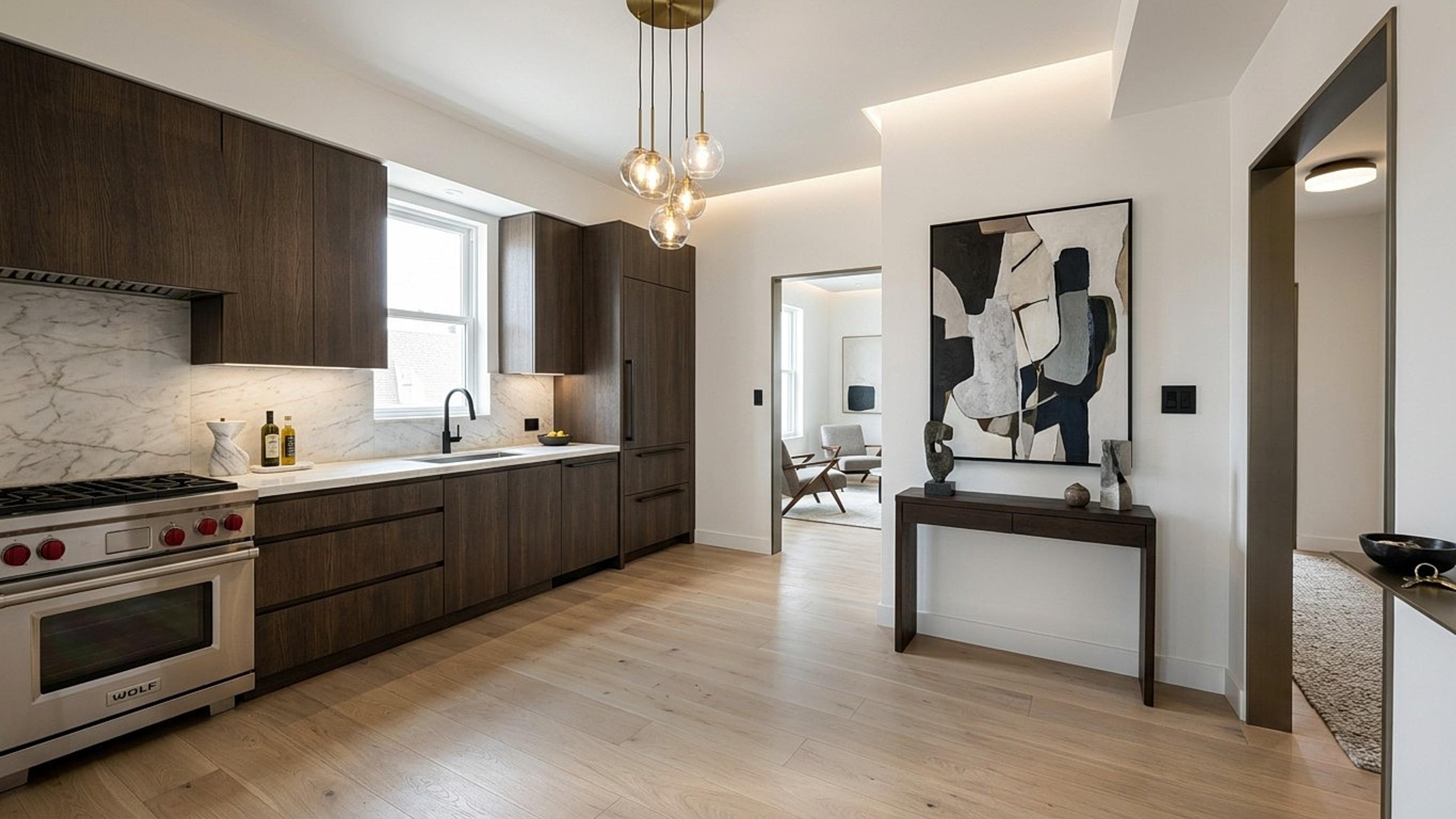
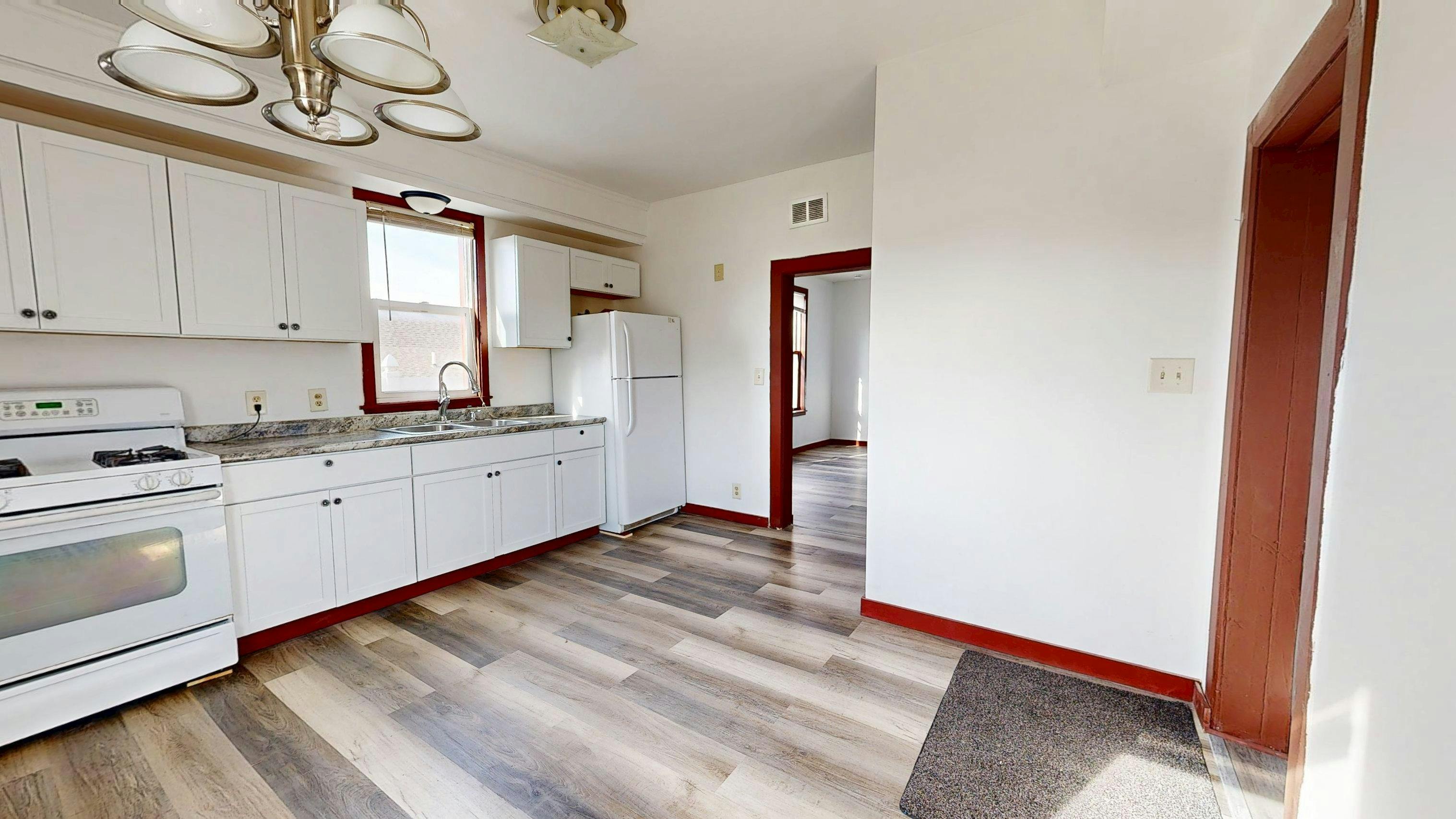
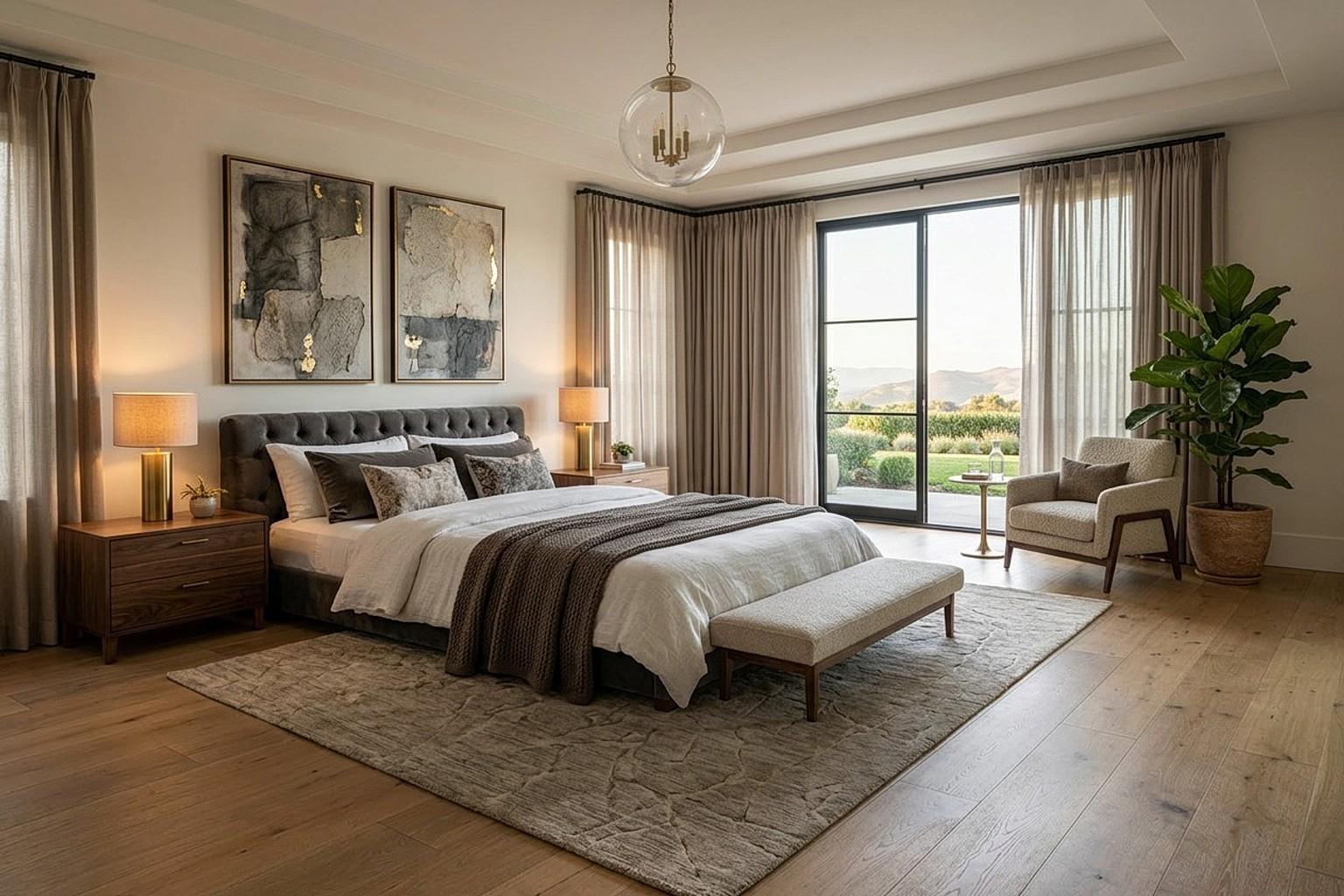
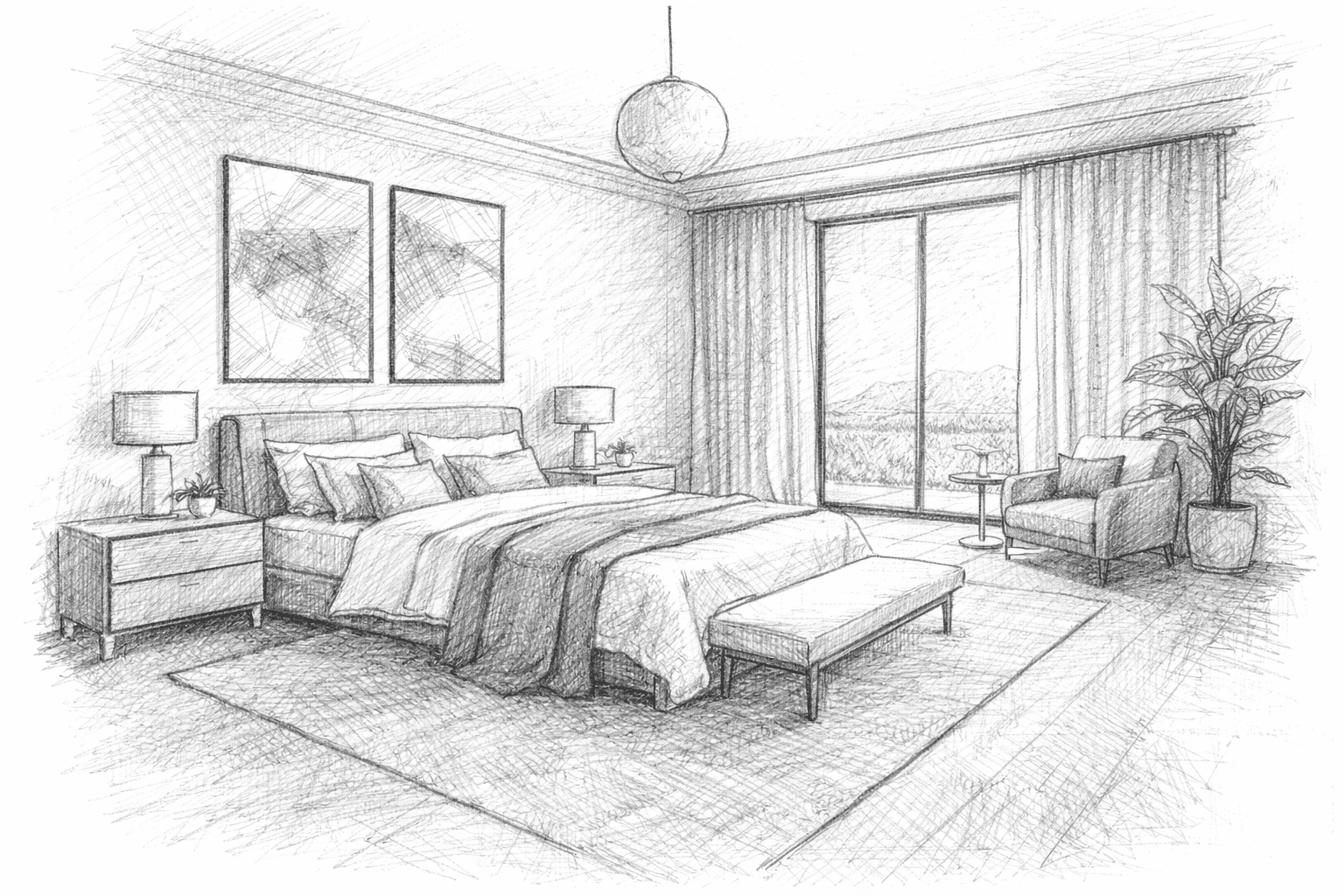
In short
Yavay Studio lets an interior designer show a client the proposed design on a photo of the client's own room, in minutes. Restyle a furnished room, stage an empty one, render a renovation or a hand sketch, or draw roller shades true to the measured sizes. Shade designs are priced from your own grid and shared as one branded link with the estimate and a Request a quote button.
Why it works
Their room, not a stock photo
Every render starts from the client's photo, so the sofa, the colour and the shades sit in their room, in their light.
Minutes, not a week of boards
Upload the photo, pick a direction, render. Show three looks in the first meeting instead of coming back with one.
The picture and the number together
A roller-shade design carries an estimate from your price grid with your markup, installation and add-ons, so the client sees what it costs while they are looking at it.
Drawn to the tape measure
Type each window's width and height and the shades are drawn to those sizes, with a roller box over each opening and a slider to raise or lower them.
Your name on the link
The client page carries your logo, studio name, accent colour and phone number. Yavay shows only as a small line in the footer.
Quote requests come to you
Request a quote sends the client's name, phone, email and message to your Leads in Studio and to your inbox.
How it works
- 1Start from the client's photo
A straight-on phone photo of the room is enough. For shades, Yavay finds the windows in it so you can choose which to cover.
- 2Render the design
Pick a staging style for a restyle or an empty room, describe the renovation, upload a sketch, or pick a shade from your library and type the measured sizes. Renders are ready in minutes, so you can try a second direction while the client watches.
- 3Send one link
Share the before and after. On a shade design the link also carries your estimate and a Request a quote button that comes straight to you.
What you can render
Everything starts from the client's own photo, so the result reads as their home and not a catalogue.
Restyle a furnished room
Keep the room and change the look: new palette, art, lighting, rug and accent wall, without moving a thing the client owns.
Stage an empty one
Furnish a vacant room in a style, from coastal and Japandi to modern luxury, as a direction for the client to react to.
Renovation renders
New cabinets, counters, flooring, a facade or landscaping, rendered on the photo of what is there today.
Sketch to render
Photograph a pencil sketch or a floor-plan elevation and get a photorealistic room back to put in front of the client.
Roller shades true to size
Shades from your library drawn to the typed sizes, one per panel on a sliding door or a bank of windows, raised or lowered with a slider.
iPhone room scan (early access)
A LiDAR scan from the Yavay iPhone app that measures the room's windows, doors and walls is in early access. Ask us to be added.
What the client receives
One link that opens in any browser. No app, no account.
Before and after
Their photo and the render in a slider they can drag, so the change is obvious at a glance.
Your estimate
On a shade design: each window and shade with its size and price, installation and add-ons, tax if you charge it, and a total. A note says the final price is confirmed after an on-site measure.
Request a quote
Name, phone, email, how they prefer to be reached and a message, sent to your Leads in Studio and to your inbox.
Your branding
Your logo, studio name and accent colour, with a Call button that dials your number.
A measurement sheet
The typed window sizes print on a sheet you can hand to the installer or the workroom.
No price grid yet?
The page asks the client to contact you for pricing instead of showing numbers, so you can share before your grids are in.
Who it's for
- Residential interior designers presenting concepts
- Designers who specify and sell window treatments
- Design-build studios quoting renovations
- E-design services working from client photos
- Stagers and colour consultants showing options
- Designers who want a quote request on every concept they send
Frequently asked questions
What photos work best?
A straight-on phone photo taken in daylight, with the room as it is today. For shades, have the existing treatments open or removed so Yavay can find the window frames. One room per photo.
Can I render my own vendors' pieces?
Not yet for furniture. Staging and restyles work from a style you pick, so they are a direction for the client to react to rather than a spec of exact pieces. Roller shades are the exception: shades come from your own product library with your fabric colours and sizes.
How do roller shades get their sizes?
You type each window's tape-measured width and height, in inches to the eighth. On a sliding door or a wide window you type each shade's width and the total follows. The shades are drawn to those sizes, and the estimate tells the client the final price is confirmed after an on-site measure.
Where does the estimate come from?
From your own price grids. Paste a grid with widths across the top and heights down the side, set your multiplier, tax, installation and any add-ons you name, and each shade is priced by the band its size falls in. Clients see the resulting prices, never your multiplier.
Can you render wallpaper or paint?
Paint and finishes can change as part of a restyle or renovation render. Patterned wallpaper rendered to a specific roll is still in testing and not yet open to customers. Our free wallpaper roll calculator can take care of the quantity in the meantime.
Does Yavay measure the room?
An iPhone scan that measures windows, doors and walls with the phone's LiDAR is in early access and not yet in the public App Store build. Until you have it, type the sizes from your tape measure. For roller shades there is a short guide to measuring windows linked below.
Which plan do I need?
Restyles, staging, renovation and sketch renders are available from a free account, with more credits on Studio Pro at $48 a month. Your shade library, price grids and branded links with quote requests are part of Studio Max, $148 a month or $111 a month billed annually, which also includes 2,500 credits a month and 4K renders.
Put the design in their room
The render, the estimate and the quote request on one link, under your name.
Start freeNo credit card required. Upgrade to Studio Max when you add your shades and prices.